LIGHTROOM AI PRESETS
1-Click Full Face Presets
AI portrait presets for Lightroom and Lightroom Classic that help photographers retouch faces, skin, eyes, and hair faster.
Limited-time sale.
⚡ Offer Expires In
This discount will not last!
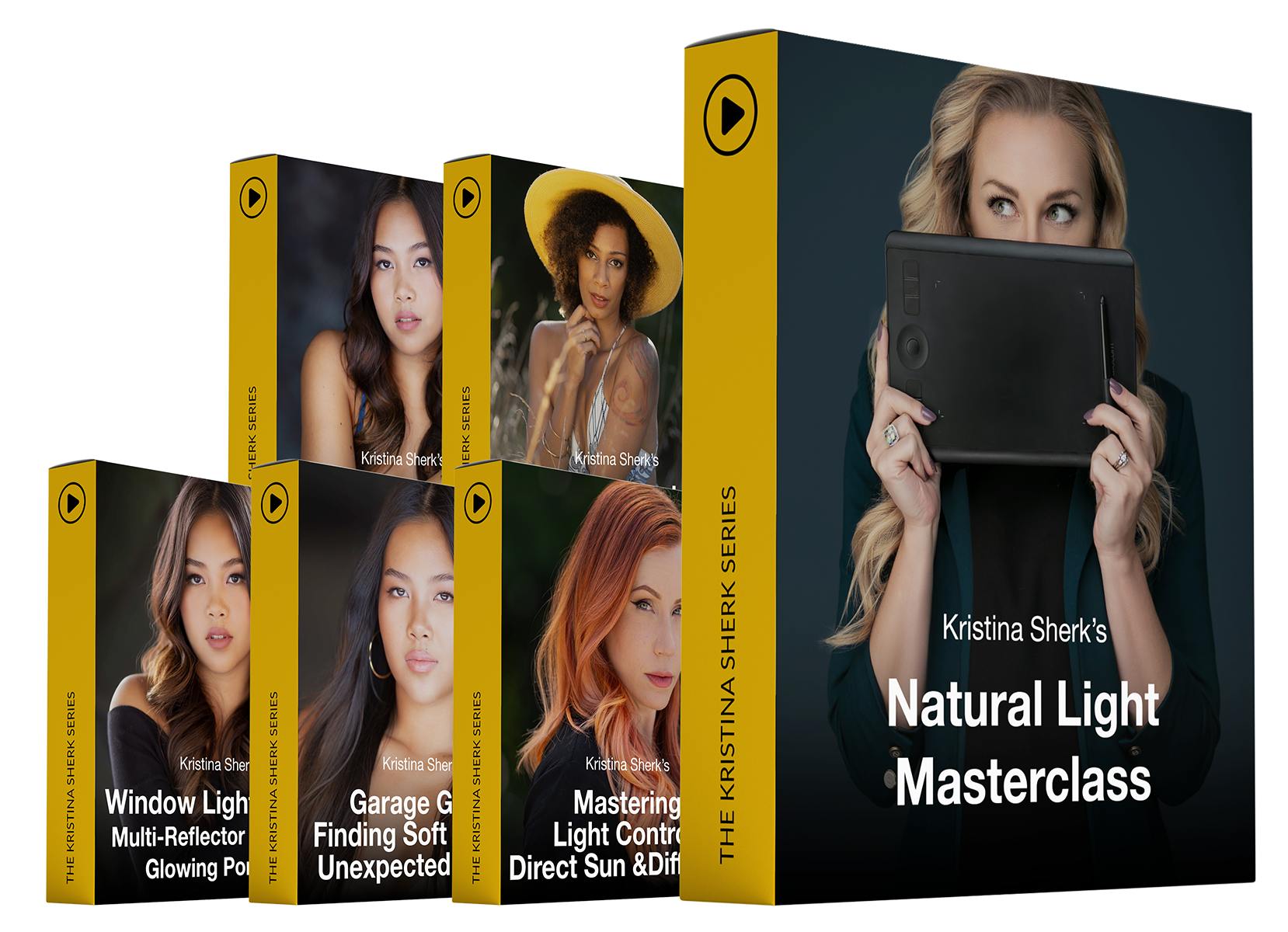
Learn from inside Kristina Sherk's camera. Literally.
Give Portrait Retouching A Faster Lightroom Starting Point
Lightroom’s AI masking tools are powerful, but setting up the same face, skin, eye, and hair adjustments over and over can slow down a portrait workflow.
1-Click Full Face Presets should be presented as a shortcut for photographers who edit portraits in Lightroom and want a more organized way to start those local adjustments. The promise is speed and structure, not a one-size-fits-all final look.
What’s Included
Here's What You Are Going To Get
Dark Skin + Eye Brighten
Why wide-angle lenses are sabotaging your portraits, the "moneymaker" lens Kristina keeps on her camera 99% of the time (and the $450 alternative that punches way above its price), aperture-first manual shooting, and the eye-focus rules that make shallow depth of field work for you instead of against you.
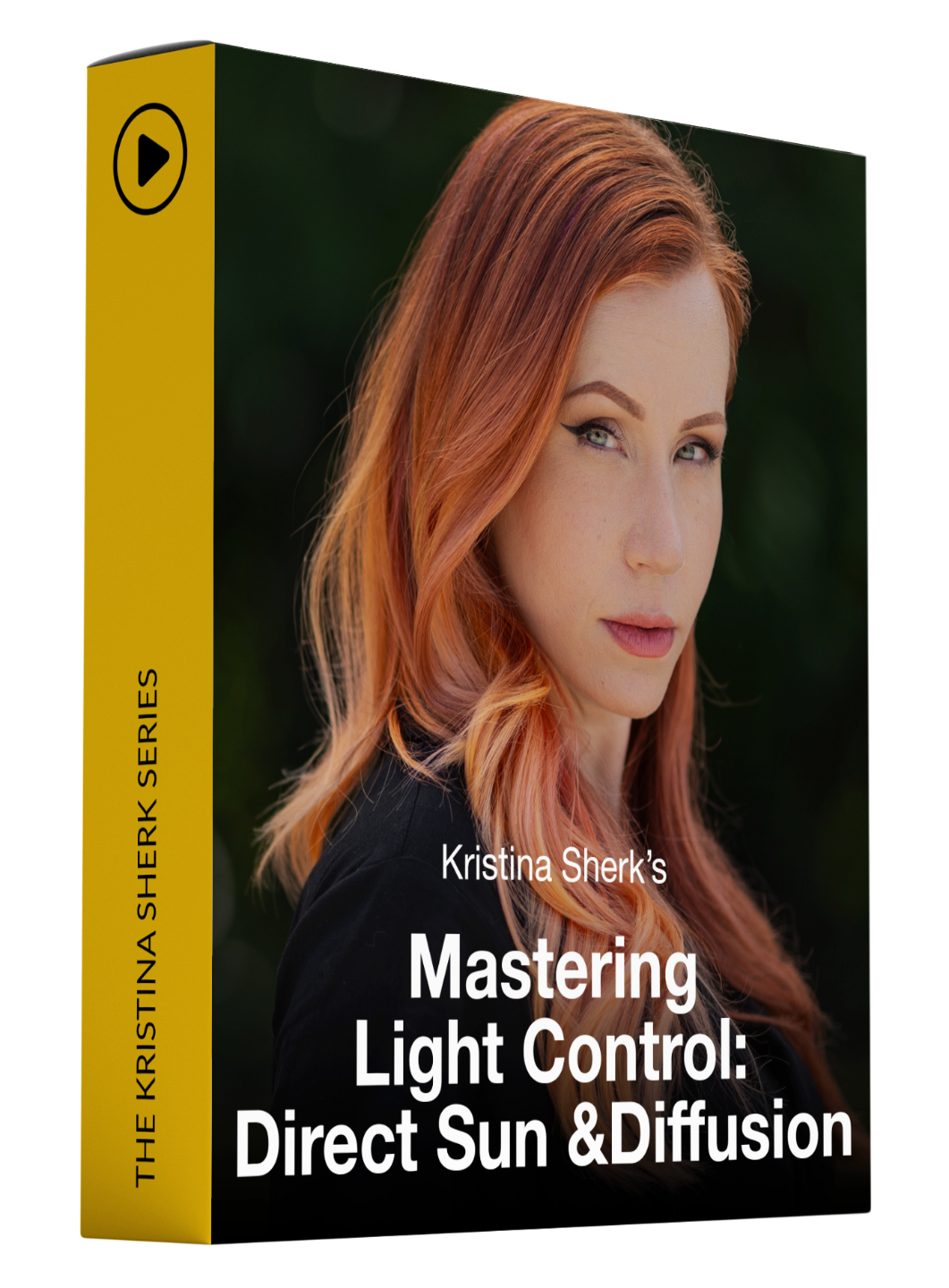
Dark Skin
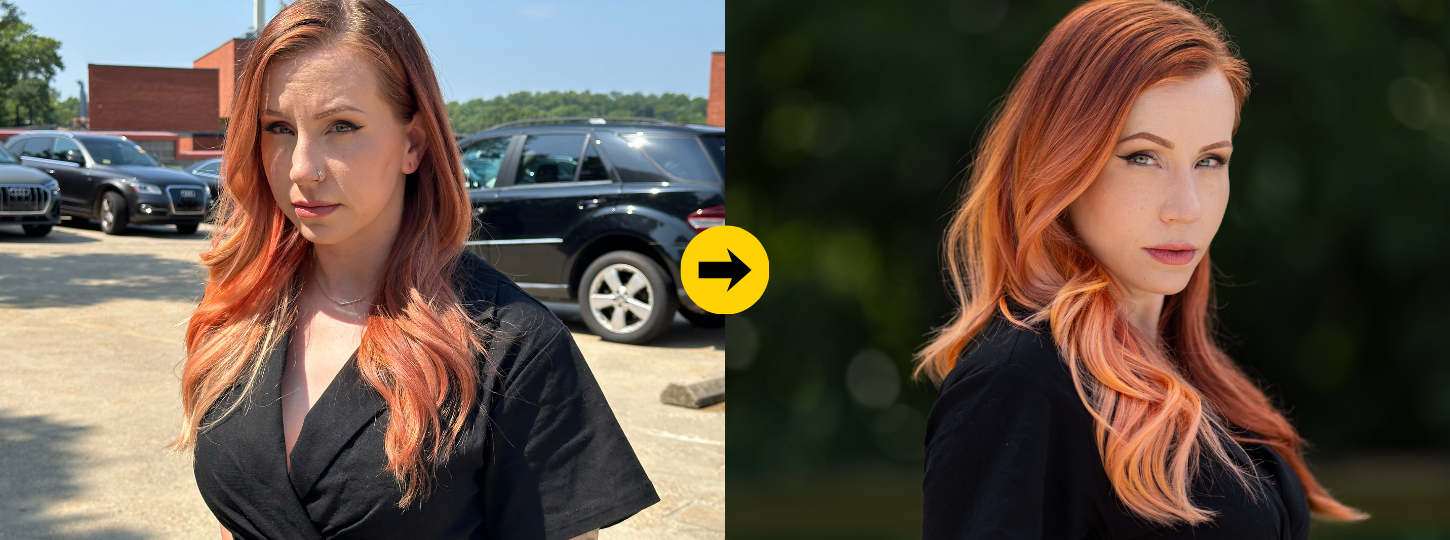
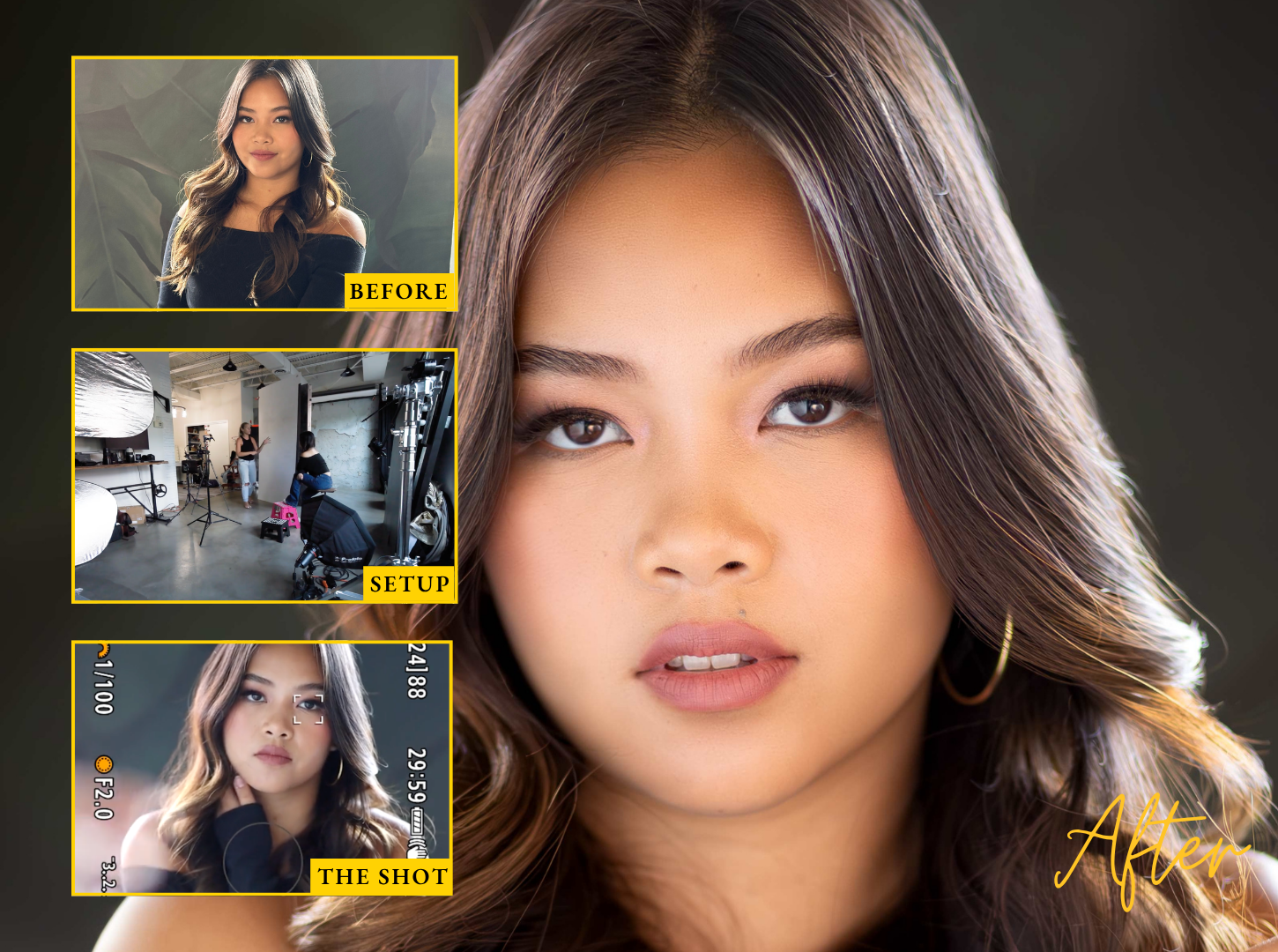
The worst light of the day, tamed. Back-to-sun positioning, rim light, scrims and diffusion panels, and bouncing midday sun into soft, flattering key light — on location, in real conditions.
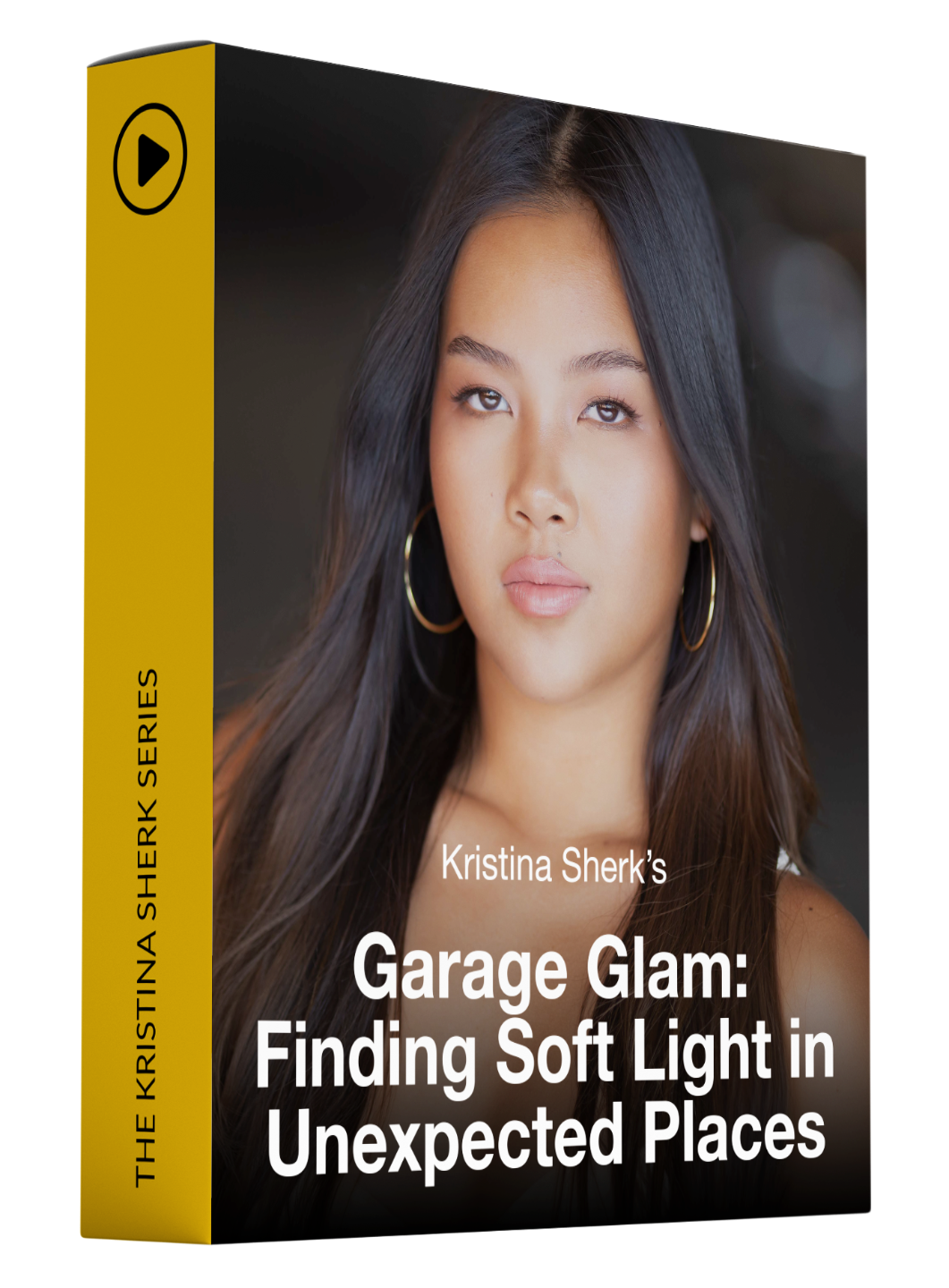
Light Skin + Eye Brighten
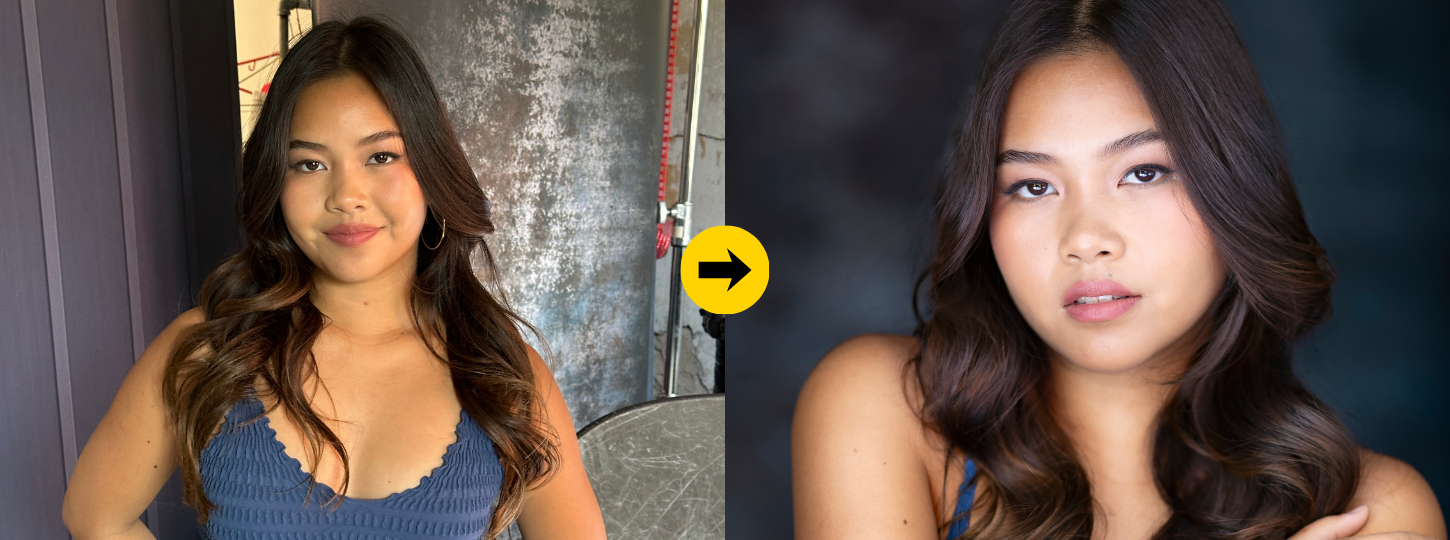
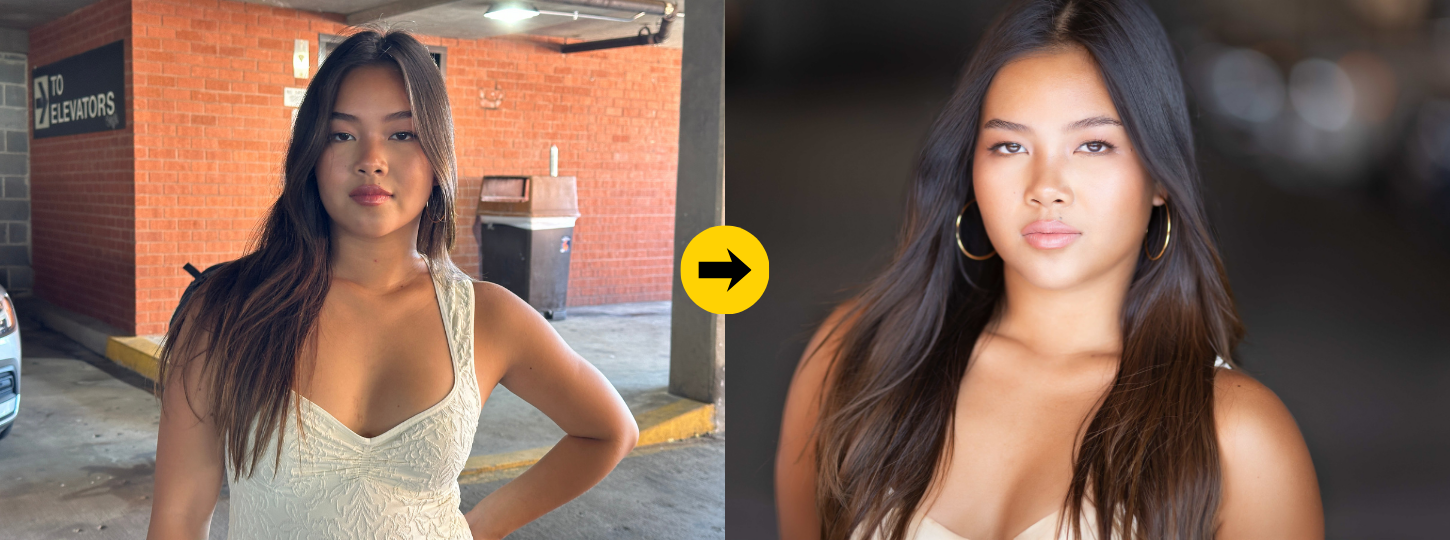
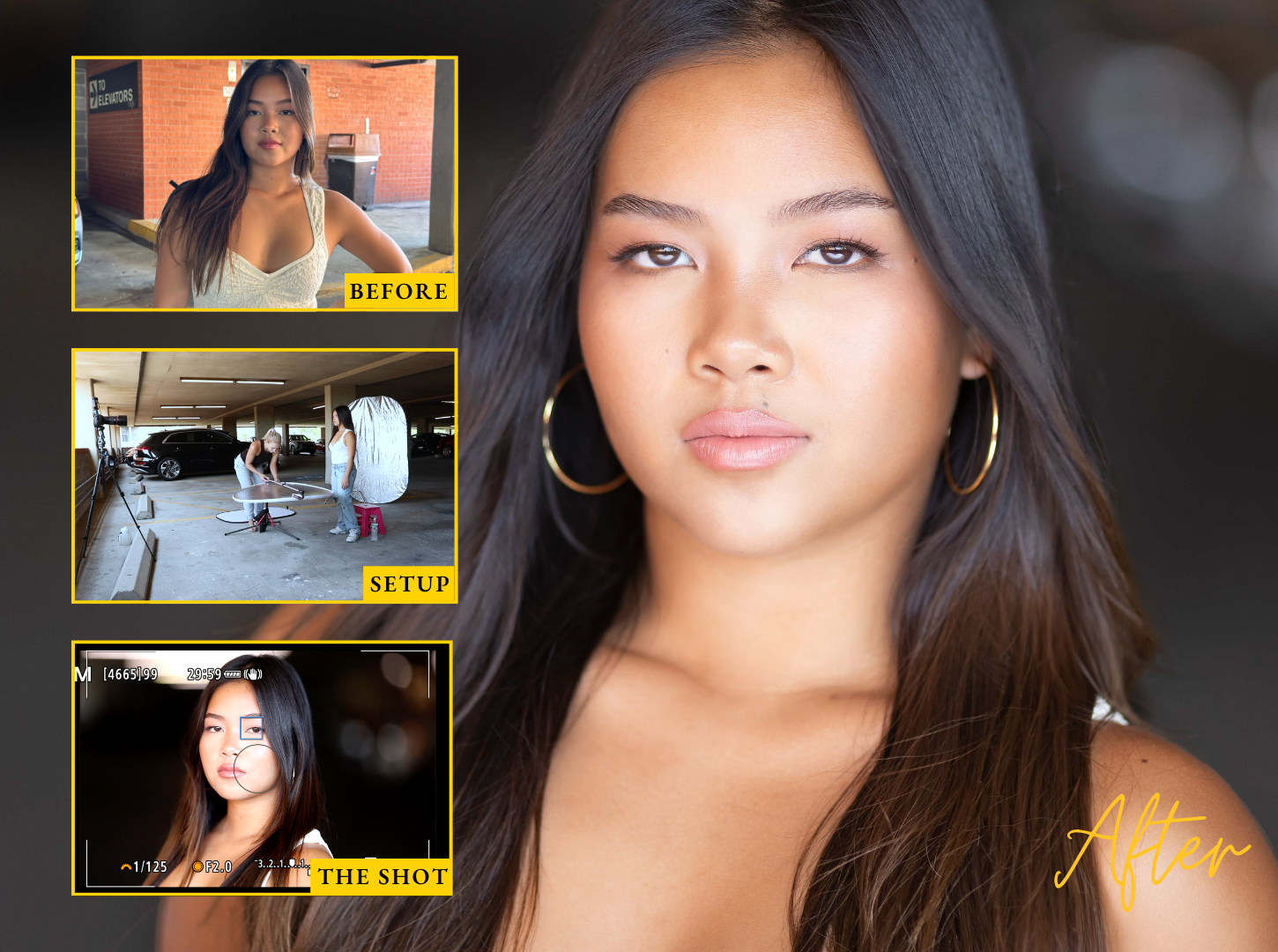
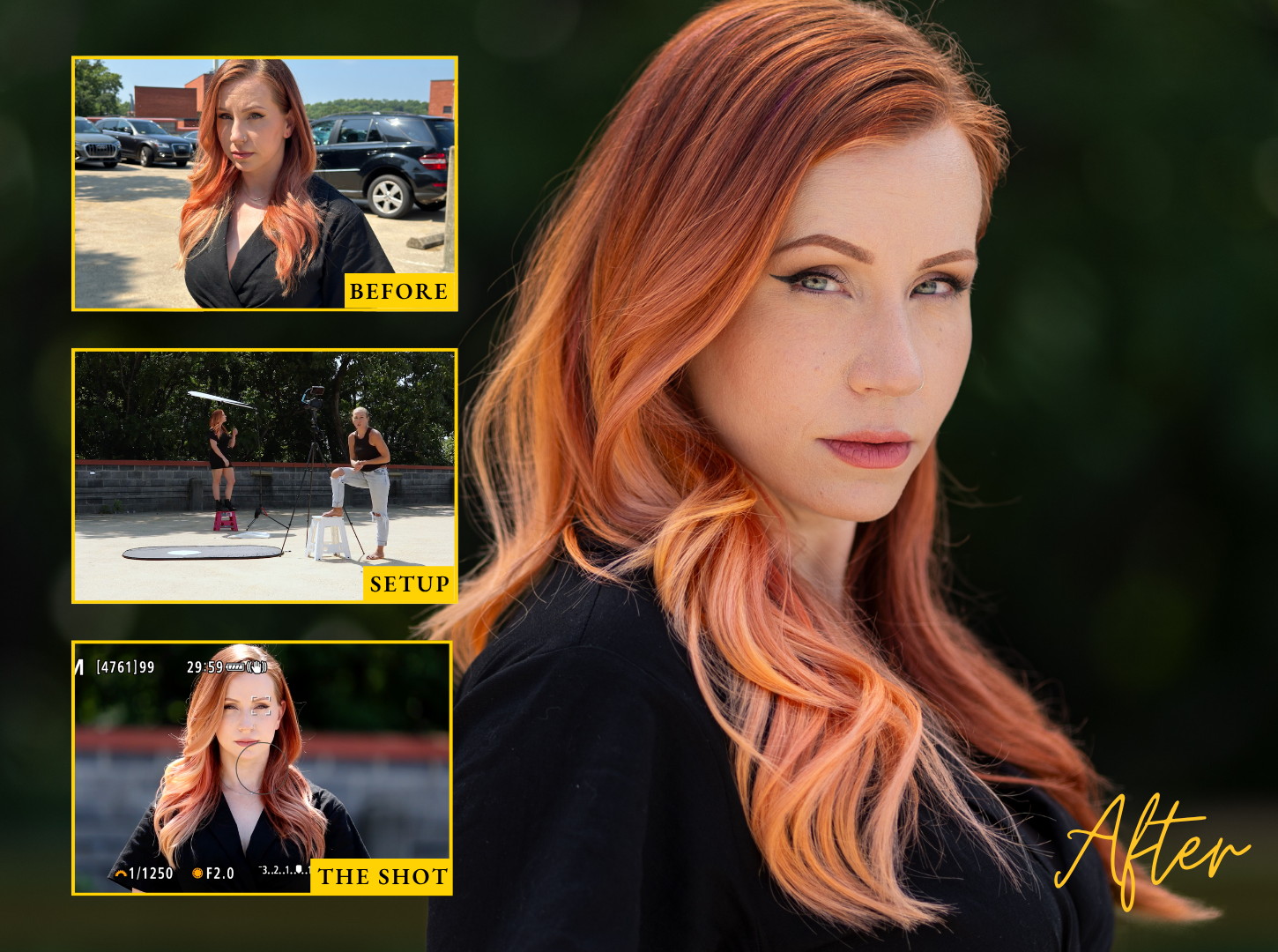
Kristina's favorite secret location: the parking garage. Learn to see dark, "ugly" spaces as enormous directional softboxes, rotate your subject to find the light's sweet spot, and walk away with portraits nobody will believe were shot next to parked cars.
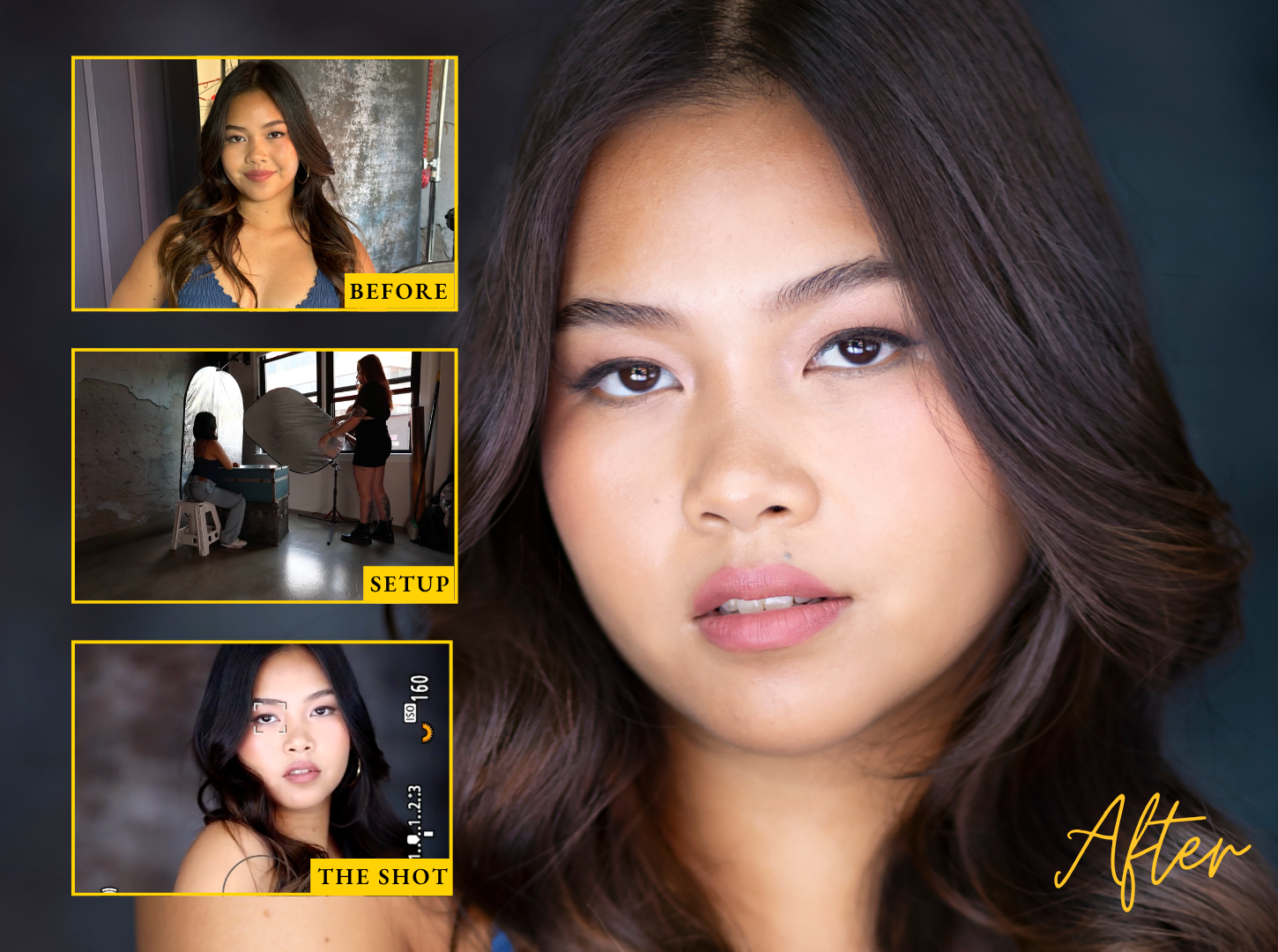
Every shooting chapter includes the edit. You don't just see the shot — you see the finished file and exactly how it got there.
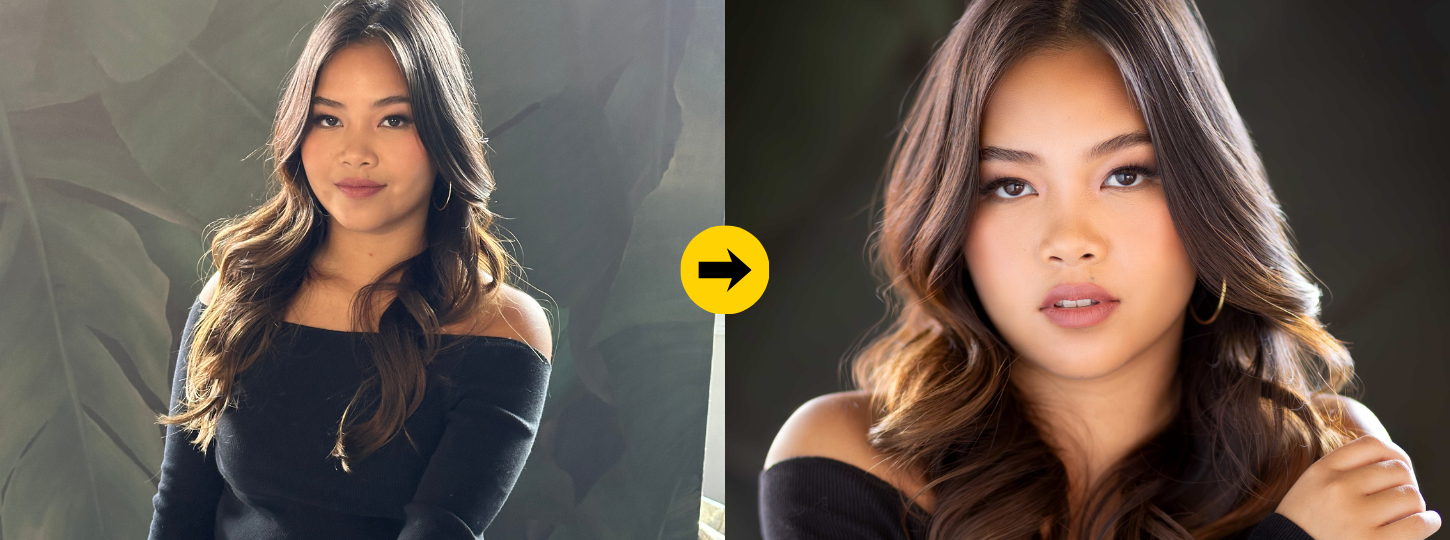
Real Results. Real Photos.
See the Transformation for Yourself
★★★★★
"I shot a session in a parking garage the week after finishing this class, a parking garage, and my client asked what studio I rented. The way Kristina teaches you to see light completely rewired how I scout locations."
Eve S., Portrait Photographer
★★★★★
"Watching her camera settings change live while the light changed on the model's face taught me more in one chapter than a year of YouTube. I finally shoot full manual without panicking."
Mark B., Photographer
★★★★★
"I almost skipped this because I 'already knew' window light. The backlight-and-bounce setup alone was worth the price—it's now my signature look and clients specifically request it."
Hellen K., Family Photographer
Wondering if these presets are right for you?
1-Click Full Face Presets are for You if...
You spend too much time retouching faces.
You love your portraits but lose hours fixing skin, eyes, hair, and facial details one image at a time.
You want polished portraits faster.
You want a professional starting point that helps you create beautiful face-focused edits with just one click.
You edit portraits in Lightroom.
You want powerful AI-assisted presets that work inside Lightroom and Lightroom Classic before moving into Photoshop.
You want consistency without losing your style.
You want a faster workflow that gives every portrait a beautiful foundation while still leaving room for your creative touch.
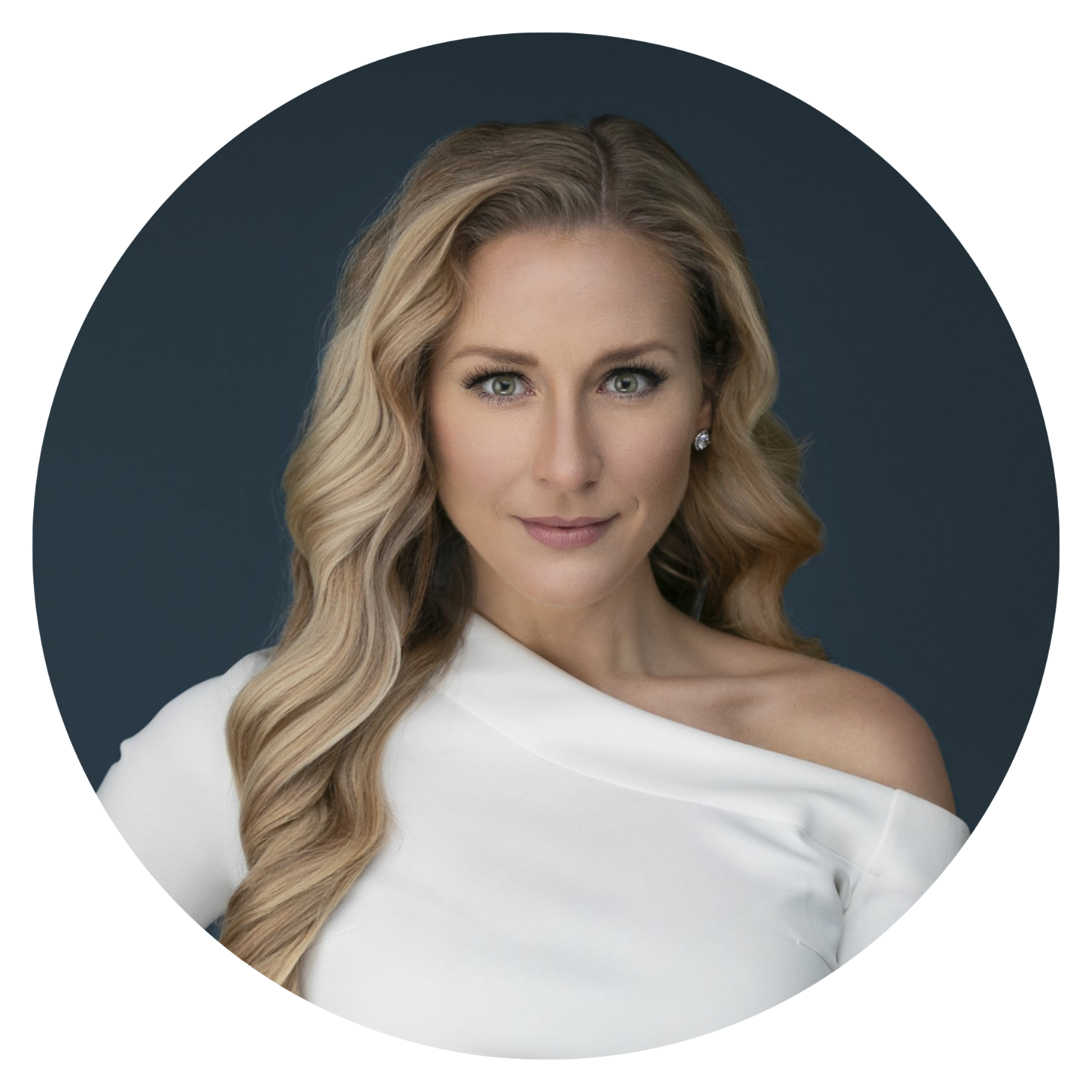
"I've spent countless hours building and refining these beauty brushes so you don't have to. I'm sharing them to help photographers everywhere deliver stunning portraits faster — and build a business they're proud of."
— Kristina Sherk
The light is already there. Now learn what to do with it.
Every location you walk into — the garage, the living room, the sidewalk at noon — is full of light most photographers walk right past. After this class, you won't be one of them.
$199 $39
Limited-time sale.
Frequently Asked Questions
Is this for Lightroom or Photoshop?
1-Click Full Face Presets are designed primarily for Lightroom and Lightroom Classic portrait editing. They help you create a faster, more efficient retouching workflow before moving into Photoshop (if additional editing is needed).
Is this just a color preset pack?
No. These are AI portrait editing presets designed specifically to help enhance the areas that matter most in a portrait — the face, skin, eyes, and hair. They give you a powerful starting point for a polished retouch without rebuilding every adjustment from scratch.
Does this replace manual editing?
Not at all. These presets are designed to speed up your workflow, not take away your creative control. Think of them as your starting point — you can adjust, refine, and customize every image to match your own editing style.
Where do I access it?
After purchase or enrollment, you'll be able to log in to SharkPixel and access your presets inside My Library.
30-Day Money-Back Guarantee
Not happy? Email us within 30 days for a full refund.
No questions asked.